
Embroidery Digitizing
10 Best Home Embroidery Machines for Beginners (2026)
By Tajima Digitizer Team · October 21, 2026
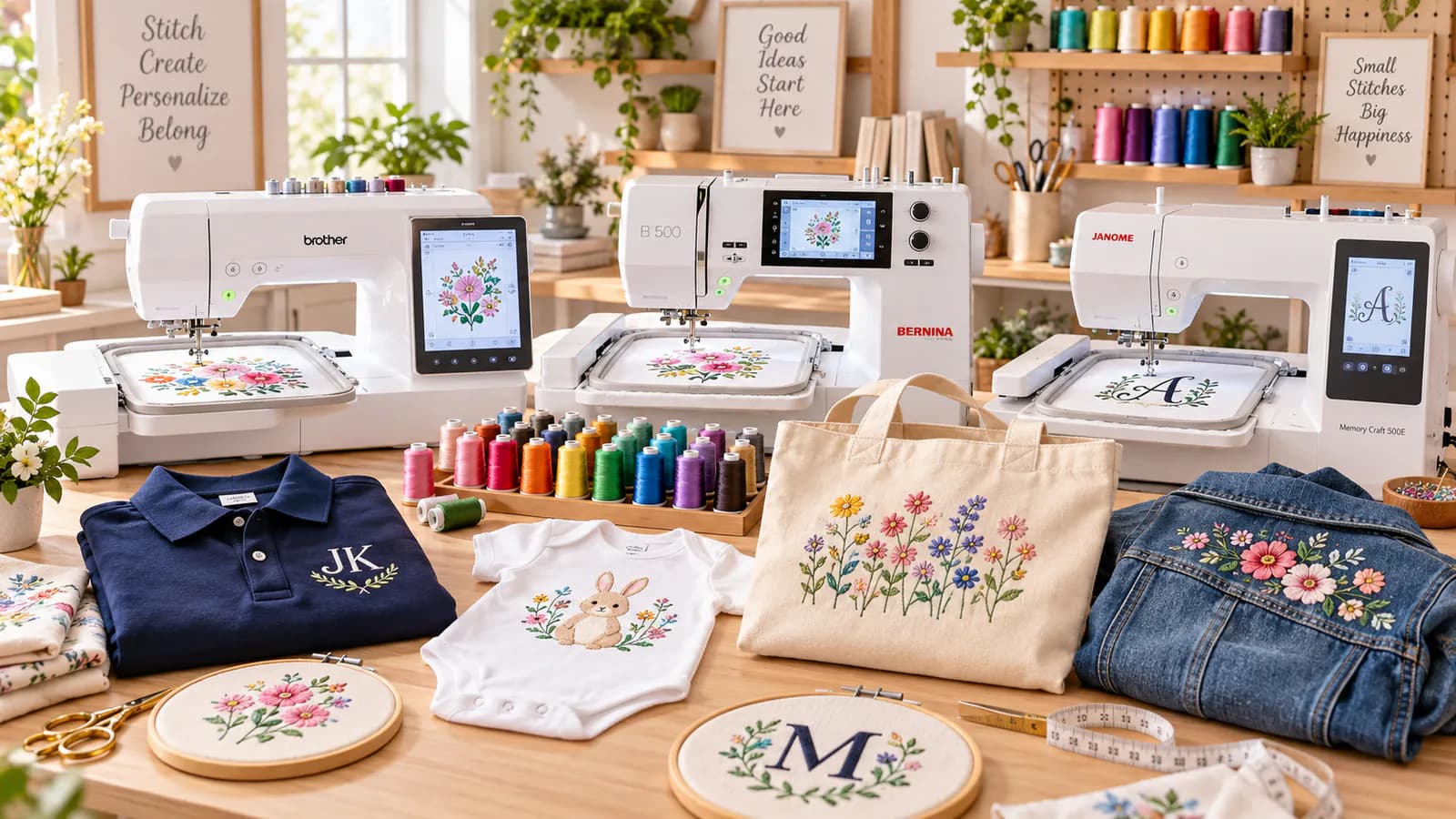
10 Best Home Embroidery Machines for Beginners (2026)
Looking for the best home embroidery machines for beginners? The right machine can help you create custom clothing, monograms, personalized gifts, and decorative designs without professional embroidery equipment.
But choosing your first machine isn't always easy.
Some models offer simple embroidery features. Others combine sewing and embroidery or provide larger hoops for more detailed projects.
At Tajima Digitizer, we help hobbyists turn their artwork into machine-ready embroidery files.
In this 2026 guide, we compare 10 popular home embroidery machines based on features, embroidery area, ease of use, and project suitability.
Best Home Embroidery Machines: Quick Comparison
Machine | Embroidery area | Best for |
|---|---|---|
Brother PE545 | 4" × 4" | First-time beginners |
Brother SE700 | 4" × 4" | Sewing and embroidery |
Brother PE900 | 5" × 7" | Growing hobbyists |
Brother Skitch PP1 | 4" × 4" | Compact, app-based projects |
Singer SE9180 | 170 × 100 mm | Touchscreen convenience |
Janome MC100E | 5.5" × 5.5" | Personalized gifts |
Brother SE2000 | 5" × 7" | Advanced combo projects |
bernette b70 DECO | 10.2" × 6.3" | Larger embroidery designs |
Baby Lock Flare | 6.25" × 10.25" | Serious hobbyists |
Janome MC550E LE | 7.9" × 14.2" | Large embroidery projects |
These recommendations are based on manufacturer specifications and intended uses, not independent stitch-out testing.
1. Brother PE545 — Best for First-Time Beginners
The Brother PE545 is a beginner-friendly embroidery-only machine.
It includes 135 built-in designs, 10 lettering fonts, and a color touchscreen.
Its 4" × 4" embroidery area works well for names, small logos, and personalized gifts.
Best for: Beginners who want a simple machine dedicated to embroidery.
Consider: The smaller hoop limits larger designs.
2. Brother SE700 — Best Sewing and Embroidery Combo
The Brother SE700 combines regular sewing with machine embroidery.
It offers 103 sewing stitches, 135 embroidery designs, wireless connectivity, and a 4" × 4" embroidery area.
This makes it useful for creating garments and adding decorative stitching.
Best for: Hobbyists who want one machine for sewing and embroidery.
Consider: Larger designs require a machine with a bigger embroidery field.
3. Brother PE900 — Best for Growing Skills
The Brother PE900 provides a larger 5" × 7" embroidery area.
It includes 193 built-in designs, 13 embroidery fonts, and wireless design transfer.
Its on-screen editing features help users resize, rotate, and position compatible designs.
Best for: Beginners planning to create larger logos and decorative embroidery.
Consider: This is an embroidery-only machine.
4. Brother Skitch PP1 — Best Compact Machine
The Brother Skitch PP1 offers a compact design with a 4" × 4" embroidery area.
It operates through Brother's Artspira mobile application.
This user-friendly approach may appeal to beginners who prefer managing embroidery projects through a phone or tablet.
Best for: Small craft spaces and app-based embroidery.
Consider: Artspira is required, and importing third-party designs may require an Artspira+ subscription.
5. Singer SE9180 — Best for Touchscreen Controls
The Singer SE9180 combines sewing and embroidery with a 7-inch color touchscreen.
It includes 250 sewing stitches, 150 embroidery designs, and 10 embroidery fonts.
The included hoop supports designs up to 170 × 100 mm.
Best for: Home sewists who prefer a large touchscreen and connected design features.
Consider: Confirm embroidery software and file compatibility before importing custom designs.
6. Janome Memory Craft 100E — Best for Personalized Gifts
The Janome Memory Craft 100E offers a 5.5" × 5.5" embroidery area.
It includes 274 designs, 11 embroidery fonts, and USB design importing.
This machine works well for personalized towels, clothing, and home accessories.
Best for: Hobbyists making custom gifts and monograms.
Consider: It is designed for embroidery, not regular sewing.
7. Brother SE2000 — Best Advanced Combo Machine
The Brother SE2000 combines advanced sewing features with a 5" × 7" embroidery area.
It includes 241 sewing stitches, 193 embroidery designs, and wireless connectivity.
Its larger embroidery area provides more flexibility than basic combination machines.
Best for: Hobbyists who frequently sew garments and add custom designs.
Consider: It costs more than entry-level machines.
8. bernette b70 DECO — Best for Larger Designs
The bernette b70 DECO is an embroidery-only machine with a 260 × 160 mm embroidery area.
It includes 208 designs, three hoops, and a 5-inch touchscreen.
You can also import compatible embroidery files through USB.
Best for: Sweatshirts, bags, decorative panels, and larger embroidery.
Consider: It requires more space and a higher budget.
9. Baby Lock Flare — Best for Serious Hobbyists
The Baby Lock Flare offers a 6.25" × 10.25" embroidery area.
It includes 293 built-in designs, 14 fonts, and wireless design transfer.
Its larger field is useful for more ambitious home embroidery projects.
Best for: Experienced hobbyists and frequent embroidery users.
Consider: The price is higher than most beginner machines.
10. Janome Memory Craft 550E LE — Best for Large Projects
The Janome Memory Craft 550E Limited Edition offers a generous 7.9" × 14.2" embroidery area.
It includes 180 designs, six fonts, USB importing, and four embroidery hoops.
This machine can handle large decorative designs with less re-hooping.
Best for: Jacket backs, quilting, and large home embroidery.
Consider: Its size and premium pricing make it better suited to committed hobbyists.
How to Choose the Right Home Embroidery Machine
Before buying, consider these important factors.
Embroidery Area
A 4" × 4" machine is suitable for names, small monograms, and simple decorations.
A 5" × 7" machine provides more room for logos and personalized apparel.
Larger embroidery fields are helpful for jackets, quilts, and oversized designs.
Sewing and Embroidery Functions
If you already own a sewing machine, an embroidery-only model may be enough.
If you want to make garments and decorate them, consider a combination machine.
Stitch Types and Built-In Features
Compare built-in designs, lettering fonts, automatic trimming, and editing functions.
The stitch type and design construction also affect embroidery quality. However, more built-in designs do not automatically mean better stitching.
Embroidery Software and File Formats
Different machines support different file formats.
Brother machines commonly use PES, while Janome machines use JEF. Some other models support several formats.
Always check the exact machine specifications before purchasing embroidery designs.
Our embroidery file format guide explains the differences.
Do You Need Embroidery Digitizing Software?
Most home embroidery machines include ready-made designs.
But what if you want to embroider your own company logo, photograph, or personalized artwork?
A regular image cannot be stitched directly.
The design must first be digitized into machine instructions.
You can create embroidery files using specialized embroidery software or hire a professional digitizer.
Clean vector files such as AI, EPS, and SVG can provide useful source artwork. JPG and PNG images can also be digitized.
If you need to convert to DST, PES, or JEF, choose the format supported by your machine. Simply renaming an image will not create a working embroidery file.
At Tajima Digitizer, our custom embroidery digitizing service prepares machine-ready files for home and commercial embroidery equipment.
Frequently Asked Questions
What is the best embroidery machine for beginners?
The Brother PE545 is a practical choice for basic embroidery. The Brother SE700 is worth considering if you also need sewing functions.
Is a 4" × 4" embroidery machine enough?
Yes, for small logos, names, and monograms. Larger designs may require a bigger embroidery area.
Can I use custom embroidery files on a home machine?
Yes. Most computerized embroidery machines support compatible imported designs. Check the supported file format, transfer method, and embroidery size.
Do beginners need professional digitizing software?
Not necessarily. You can use built-in designs, buy compatible files, or outsource custom embroidery digitizing.
Final Thoughts
Choosing the best home embroidery machine for beginners depends on your budget, available space, and creative goals.
Start with a simple machine for small projects, or choose a larger embroidery area if you plan to create more detailed designs.
Remember that good embroidery also requires properly prepared stitch files.
At Tajima Digitizer, we help home embroidery enthusiasts turn logos, monograms, and custom artwork into professional machine-ready designs.
Ready to create your own embroidery design?
Explore our embroidery digitizing services or upload your artwork for a quote.
Get the right file for your machine and start stitching with confidence.