
Embroidery Softwar
Tajima DG16 vs DG17: Features & Differences
By Tajima Digitizer · October 21, 2026
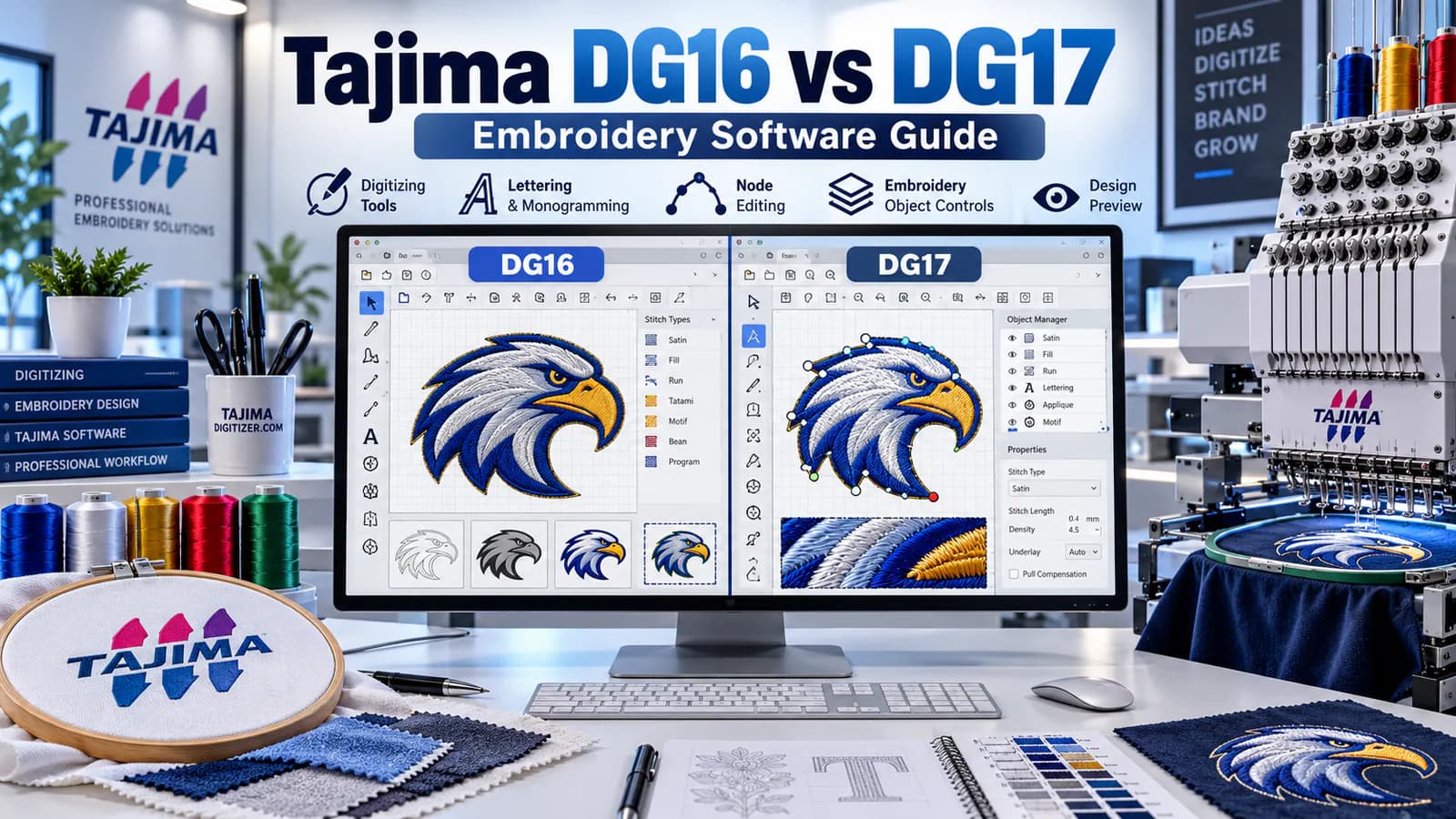
Tajima DG16 vs DG17: Features & Differences
Choosing the right embroidery software can save hours of work and help you produce better designs.
If you're comparing Tajima DG16 vs DG17, the main difference is workflow. Both versions offer professional embroidery digitizing, but DG17 adds faster editing tools, improved design management, and newer features.
The DG17 family has also received the DG17.5 update, bringing further improvements to artwork importing and editing.
At Tajima Digitizer, we help embroidery shops turn logos and image files into machine-ready embroidery designs.
This guide compares DG16 and DG17, explains their key features, and helps you decide whether upgrading makes sense.
What Is Tajima DG Embroidery Software?
Tajima DG by Pulse is professional embroidery digitizing software.
It helps users create, edit, and manage designs for commercial embroidery machines.
The software converts artwork into stitch instructions and gives digitizers control over:
Satin, fill, and running stitch types.
Stitch density and underlay.
Lettering and monograms.
Stitch direction and sequencing.
Thread colors and design size.
Machine-ready embroidery file formats.
Both DG16 and DG17 support professional design workflows. However, the available tools depend on your software level and license.
Tajima DG16 vs DG17: Quick Comparison
Feature | Tajima DG16 | Tajima DG17 |
|---|---|---|
Manual embroidery digitizing | Yes | Yes |
Embroidery lettering | Yes | Expanded options |
Auto digitizing | Supported levels | Supported levels |
Stitch editing | Standard tools | Improved editing tools |
Action Symbols | No | Yes |
Batch conversion | Version-dependent tools | Enhanced workflow |
PulseCloud | Supported | Improved integration |
PXF and machine files | Supported | Supported |
Latest release family | DG16.5 | DG17.5 |
Quick verdict: DG16 remains useful for established embroidery workflows. DG17 is better suited to users who want newer tools and a more efficient editing experience.
What Are the Main Features of Tajima DG16?
DG16 provides the core tools needed for commercial embroidery digitizing.
Manual Digitizing
Users can create embroidery objects using satin, fill, and running stitches.
They can also adjust stitch density, underlay, pull compensation, and sewing order.
Embroidery Lettering
DG16 supports lettering for company logos, employee uniforms, monograms, and personalized apparel.
Users can adjust letter size, spacing, and layout.
Auto Digitizing
Supported DG16 software levels include automatic digitizing features that convert suitable artwork into embroidery objects.
These tools can save time when working with simple graphics.
However, detailed logos often need manual corrections.
File Management
DG16 supports common embroidery formats and PulseCloud features for managing designs.
For embroidery shops already comfortable with this software, it remains a practical option.
What's New in Tajima DG17?
DG17 builds on the features of DG16 with several improvements.
1. Faster Editing With Action Symbols
DG17 introduces Action Symbols that provide quick access to editing commands.
This reduces the need to navigate through several menus.
It can make everyday design adjustments more user-friendly.
2. Improved Object Editing
DG17 adds updated flyout toolbars and easier design resequencing.
Users can also select multiple nodes across segments, making complex shape adjustments more convenient.
These features are useful when editing detailed logos and custom embroidery designs.
3. Better File Management
DG17 introduces improved batch conversion features and mass uploading of PXF files to PulseCloud.
This can help shops managing large collections of customer designs.
For example, an embroidery business may need to prepare multiple files for different machines.
Batch tools can reduce repeated manual steps.
4. Expanded Embroidery Features
DG17 also provides additional tools for specialty embroidery and design effects.
Certain software levels support features such as advanced 3D puff preparation and fabric-specific settings.
Always check which tools are included in your licensed software level.
What's New in Tajima DG17.5?
DG17.5 is a newer release within the DG17 family.
The official version 17.5.1.8445 adds improvements to artwork handling, editing, and stability.
Notable updates include:
Support for PDF-compatible Adobe Illustrator files.
Improved DXF file reading.
New offset options.
Faster preset selection through context menus.
Improved appliqué lettering sequences.
Better boundary and corner-editing tools.
General performance and stability improvements.
These features are especially useful for digitizers who regularly work with vector artwork and complex shapes.
Check the official Tajima DG17.5 download page for current release information.
Auto Digitizing in Tajima DG16 and DG17
Auto digitizing is a popular feature of Tajima embroidery software.
It helps convert suitable image files into embroidery objects.
For example, you may import a simple company logo and use automatic tools to generate an initial stitch layout.
However, auto digitizing does not guarantee a production-ready file.
Before stitching, review:
Stitch density and underlay.
Small lettering.
Overlapping objects.
Stitch direction.
Jump stitches and trims.
Manual adjustments are often necessary.
Professional tip: Use auto digitizing as a starting point for simple artwork, not as a replacement for inspecting and testing the design.
PXF vs DST: Which File Format Should You Use?
Tajima DG software supports multiple embroidery file formats.
Two important formats are PXF and DST.
PXF: Editable Design File
PXF stores rich embroidery design information.
It is useful for saving work that may need future editing.
For example, you can keep the PXF version of a corporate logo to make later changes.
DST: Machine-Ready Stitch File
DST is widely used by Tajima and other commercial embroidery machines.
It contains stitch movements and machine instructions but doesn't preserve all the editable information from a PXF project.
If you need to convert to DST, prepare and review the design before exporting it.
Changing an image's filename to .dst will not create an embroidery file.
For more details, read our guide to the best embroidery file format for Tajima machines.
How to Digitize a Logo in Tajima DG Software
The basic workflow is similar in DG16 and DG17.
Step 1: Import Your Artwork
Open your logo or design in the software.
Start with clear artwork whenever possible.
Step 2: Set the Finished Size
Enter the correct embroidery dimensions.
A small polo logo requires different settings from a large jacket-back design.
Step 3: Choose Stitch Types
Select satin stitches for suitable narrow shapes and lettering.
Use fill stitches for larger areas and running stitches where appropriate.
Step 4: Adjust Density and Underlay
Set the stitch structure for the intended fabric.
Too much density may cause puckering, while insufficient coverage may leave gaps.
Learn more in our embroidery underlay guide.
Step 5: Save and Export
Save an editable PXF project, then export the format required by your embroidery machine.
Always test the finished file before bulk production.
Should You Upgrade From DG16 to DG17?
The answer depends on your workload.
Consider DG17 if you:
Digitize customer artwork regularly.
Want faster editing controls.
Manage large collections of embroidery files.
Need updated artwork-importing tools.
Work with detailed logos or specialty designs.
Consider staying with DG16 if:
Your existing workflow meets your needs.
You mainly create simple logos and lettering.
Your current files and machine setup work reliably.
The newer features would offer little practical benefit.
Before upgrading, confirm licensing costs, system requirements, and compatibility with your existing projects.
Do You Need Tajima DG Software for Custom Embroidery?
Not necessarily.
If you only need occasional embroidery files, buying professional digitizing software may not be cost-effective.
You can outsource the work instead.
At Tajima Digitizer, we provide custom embroidery digitizing services for embroidery shops, uniform suppliers, and apparel businesses.
Our services include:
Hand-digitized embroidery designs.
Popular formats including DST, PES, EXP, and JEF.
Stitch-out previews.
Typical 4–12 hour standard turnaround.
Eligible corrections within 30 days of delivery.
Basic embroidery digitizing starts at $10 USD, with final pricing based on the artwork and requirements.
Tajima Digitizer is an independent embroidery digitizing service, not the manufacturer or official distributor of Tajima DG software.
Frequently Asked Questions
What is the difference between Tajima DG16 and DG17?
Both provide professional embroidery digitizing tools.
DG17 adds newer editing controls, Action Symbols, improved resequencing, and enhanced file-management features.
Is Tajima DG17 better for beginners?
DG17 offers improved controls that may make certain tasks easier.
However, beginners still need to learn stitch density, underlay, lettering, and embroidery file preparation.
Can Tajima DG17 convert image files to embroidery?
Yes. Supported software levels include auto digitizing tools.
Complex designs may still need manual editing before production.
Does Tajima DG17 support DST files?
Yes. DG17 supports popular embroidery formats, including DST and the editable PXF format.
Is Tajima DG17 free?
No. Tajima DG is commercial software. Downloading an installer does not provide a free commercial license.
Contact an authorized distributor for licensing and pricing.
Final Thoughts: Which Tajima DG Version Is Best?
Both DG16 and DG17 are capable embroidery digitizing programs.
DG16 remains useful for many established workflows.
DG17 offers newer editing tools, while DG17.5 adds further improvements to artwork importing and design preparation.
If you digitize designs every day, those improvements may be worth considering.
But if you simply need clean, machine-ready embroidery files, outsourcing can save time and software costs.
At Tajima Digitizer, we prepare professional embroidery files for logos, uniforms, caps, patches, and other custom projects.
Need a DST or other machine-ready embroidery file?
Explore our embroidery digitizing service or upload your artwork for a quote.
Get your artwork ready for reliable embroidery production.